Minibar Doldur
Pick minibar items from the panel. Prices come from the list, the panel runs the steps and checks the amount at every one.
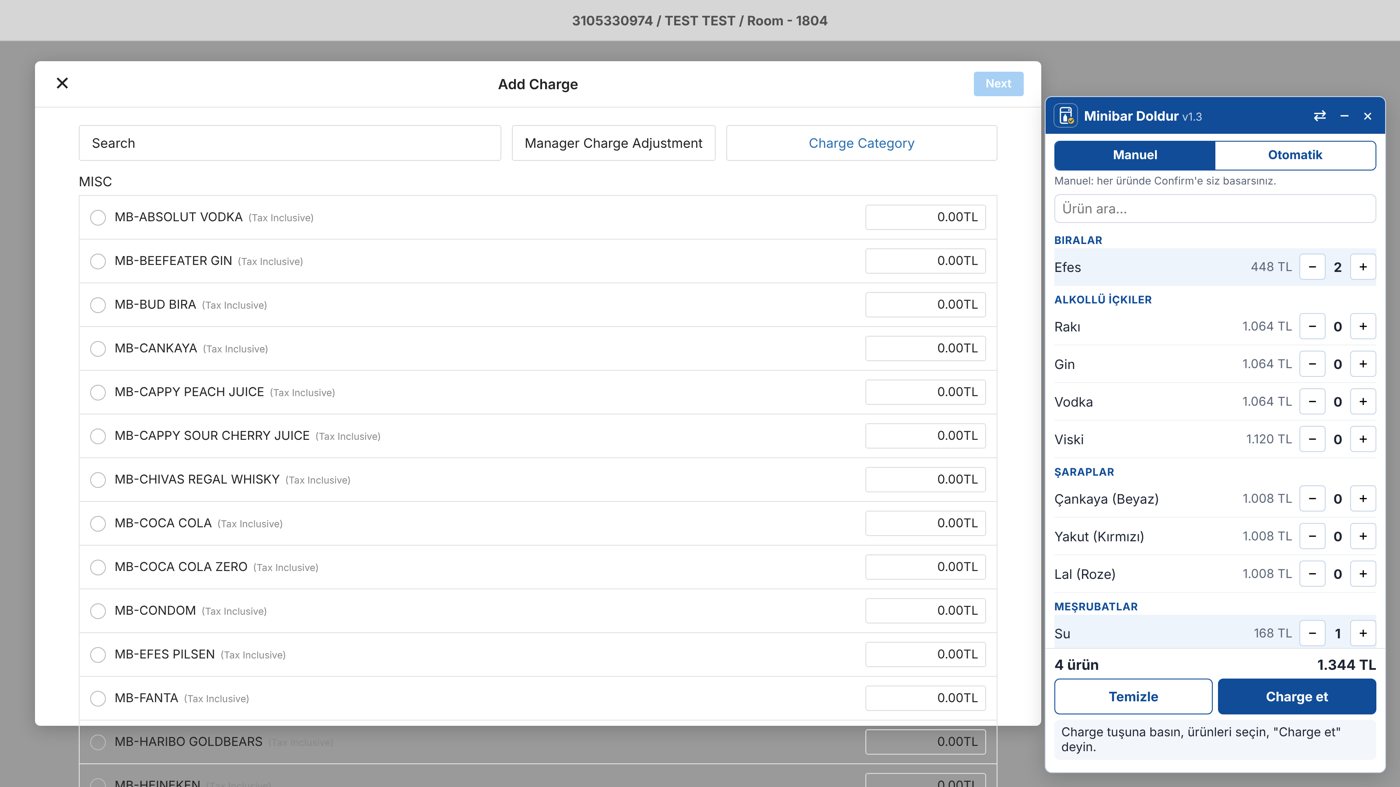
Screenshots taken with a test reservation.
How it works
Choose the folio
On the reservation's folio, choose the account for the minibar and open the charge window.
Pick the items
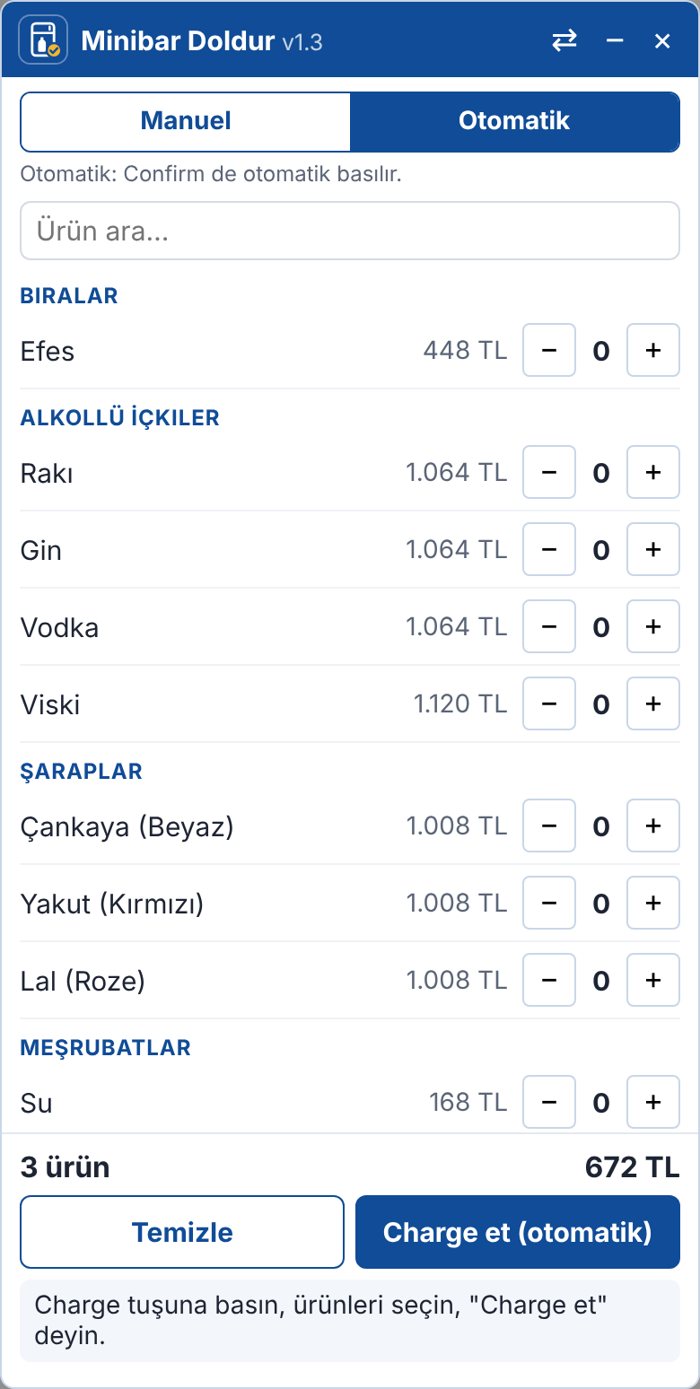
Find items by category in the panel and enter quantities; the total shows instantly.
Send
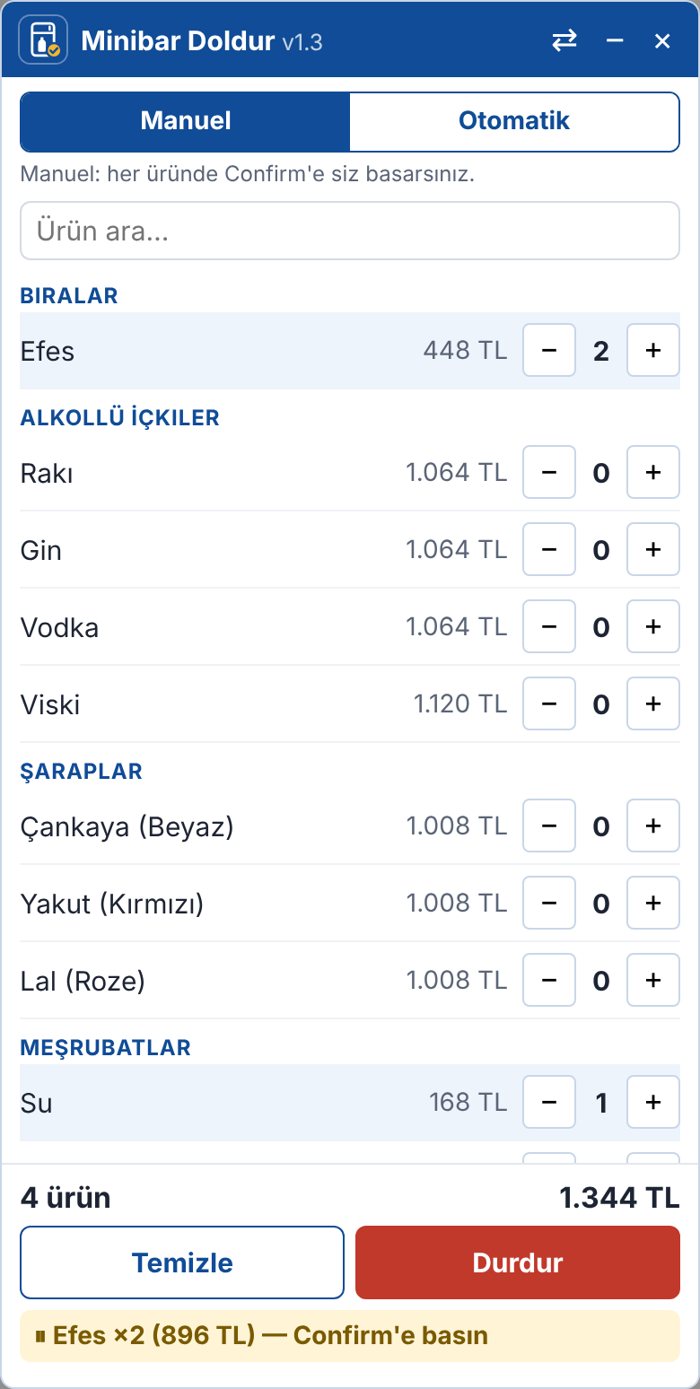
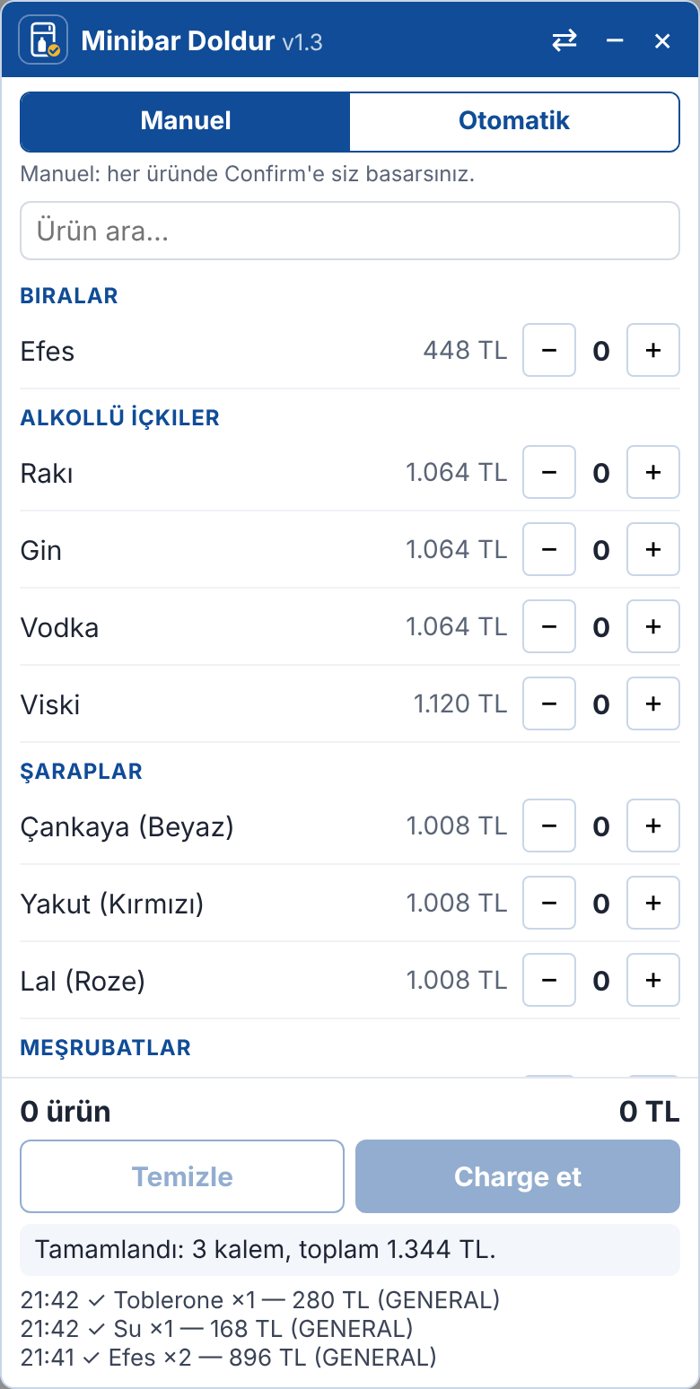
The panel processes each item in turn and checks the amount. If anything doesn't match, it stops and explains why.
What it does
When the PMS shows no price for minibar items, staff look up each price on a paper list and type it in. A charge with a few items turns into dozens of steps.
Minibar Doldur lists the items by category; choose quantities and see the total. For each item the panel enters the amount, moves through the screens and checks the totals at every step.
In manual mode staff give the final confirmation; in automatic mode the panel processes all items in a row. If totals don't match, the panel stops and explains why. Choosing the folio always stays with staff.
Highlights
Everything you need to roll it out to your team
- Installation page: one drag to the bookmarks bar
- Step-by-step user guide (PDF)
- Team training deck (PowerPoint)
The kit is sent by email on request. We only ask for your name and hotel.